What is Stax?
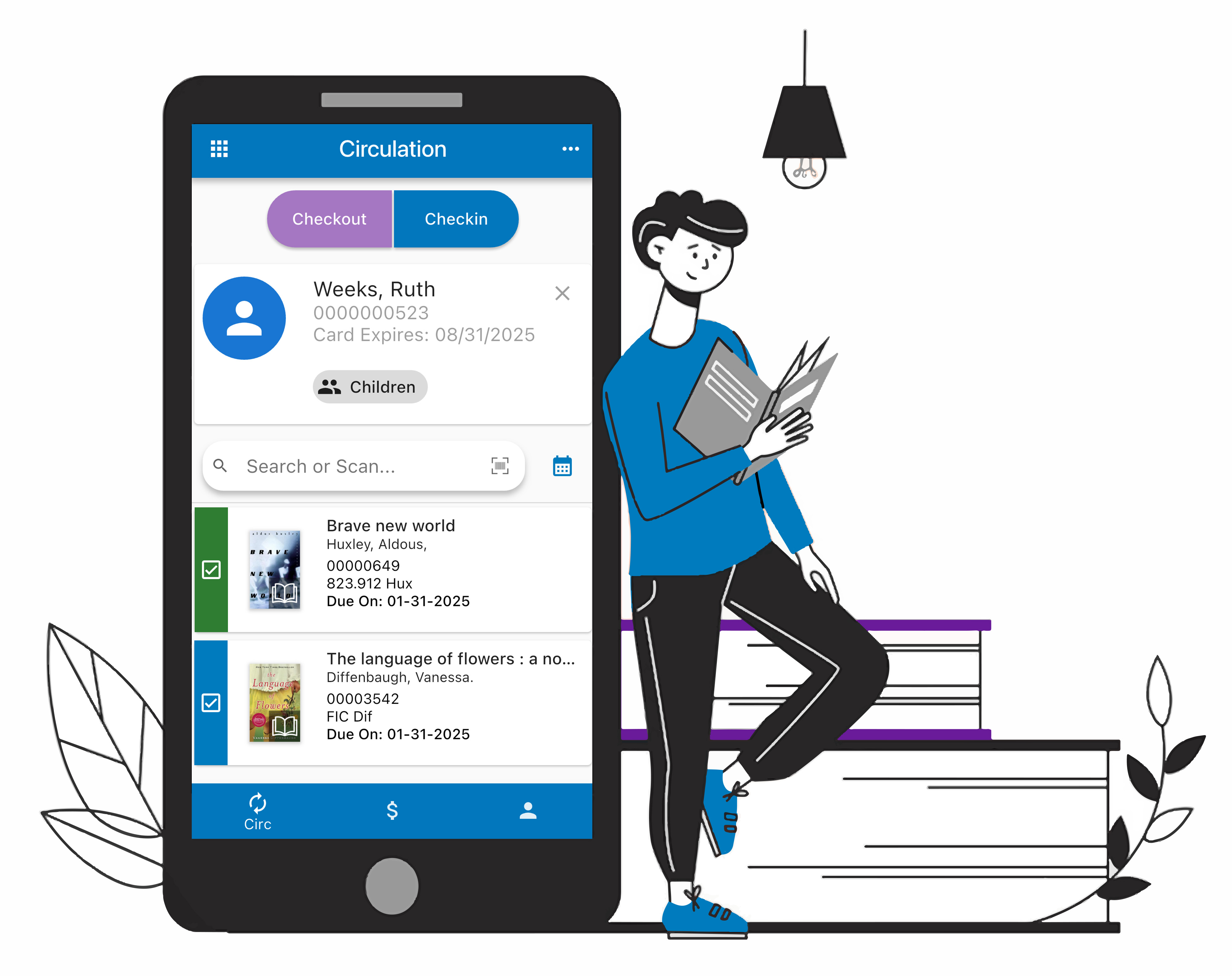
This is a free companion app for Atriuum, which allows you, as the librarian, to perform tasks from your desktop using a browser or while you are out in the library "stacks" using the mobile app.
Stax is designed to help you efficiently manage workflows based on your library role. Currently, the Circulation Workspace offers essential features including check in/out, renewal, fine/fee payments, and patron review/edit. A Catalog Workspace will be available soon followed by our Acquisitions Workspace!
How do I access the app?
For the desktop version, go to stax.atriuum.com using any of the following internet browsers: Google, Firefox, or Edge for Windows users or Safari for Mac users.
For the mobile version, visit your App Store or Play Store, search for "Atriuum Stax," and download the app.
How do I connect to my library?
Find your database in the Library Locator. When prompted, allow the app to access your location, and you will see nearby libraries at the top of the list. Otherwise, search by library name, city, ZIP code, etc.
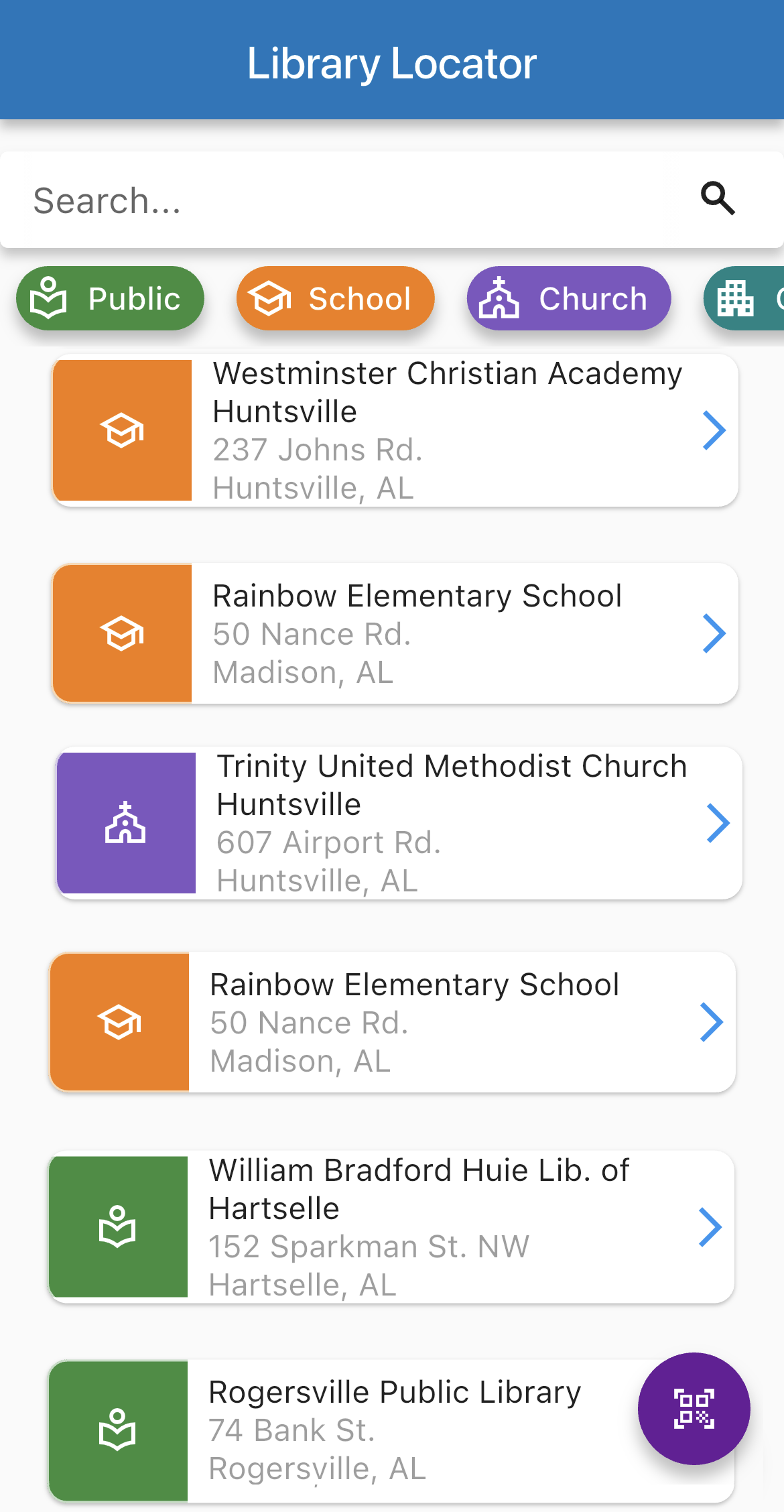
If you do not see your library in the locator, contact Technical Support.
How do I sign in?
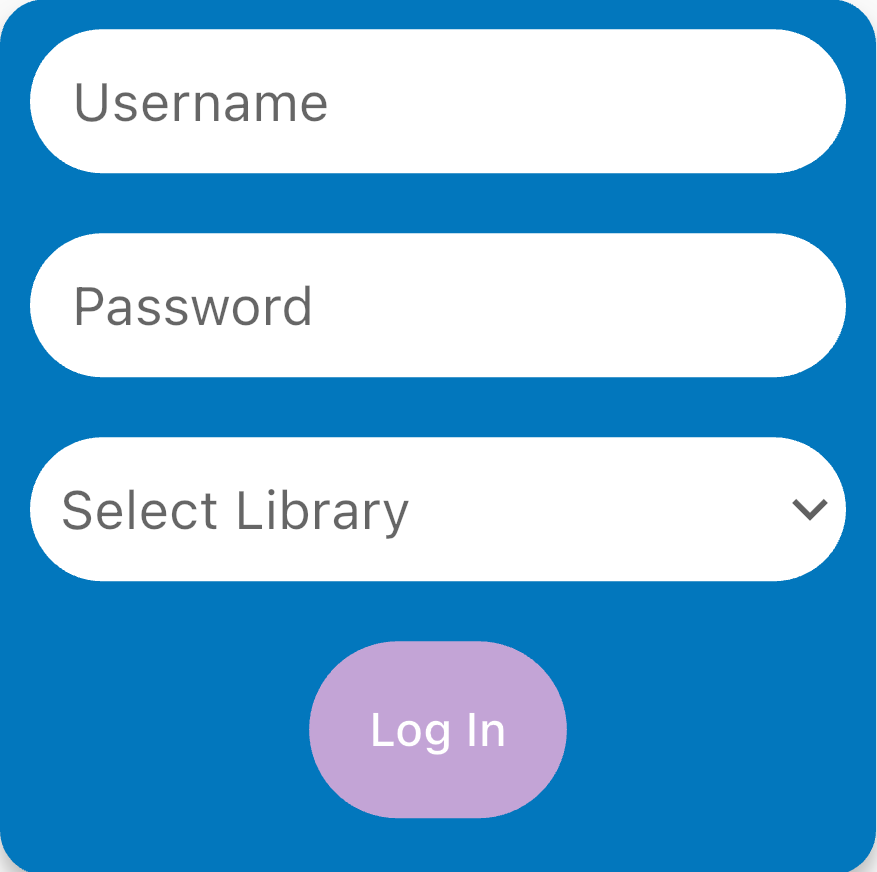
Log in with the same credentials you use for Atriuum. Centralized users must select a branch.
You'll have access to features based on the permissions assigned to your Atriuum worker account.