
Pay Fines with Cash/Credit Card
Open the Fines screen.

Use one of the following methods to load a patron:
Scanner - Scan the patron barcode.
Device Camera - Tap the barcode icon in the search field, and capture the patron barcode.
Search - Select Find a patron, and enter a name.
All fines/fees are selected initially. Deselect charges as needed.
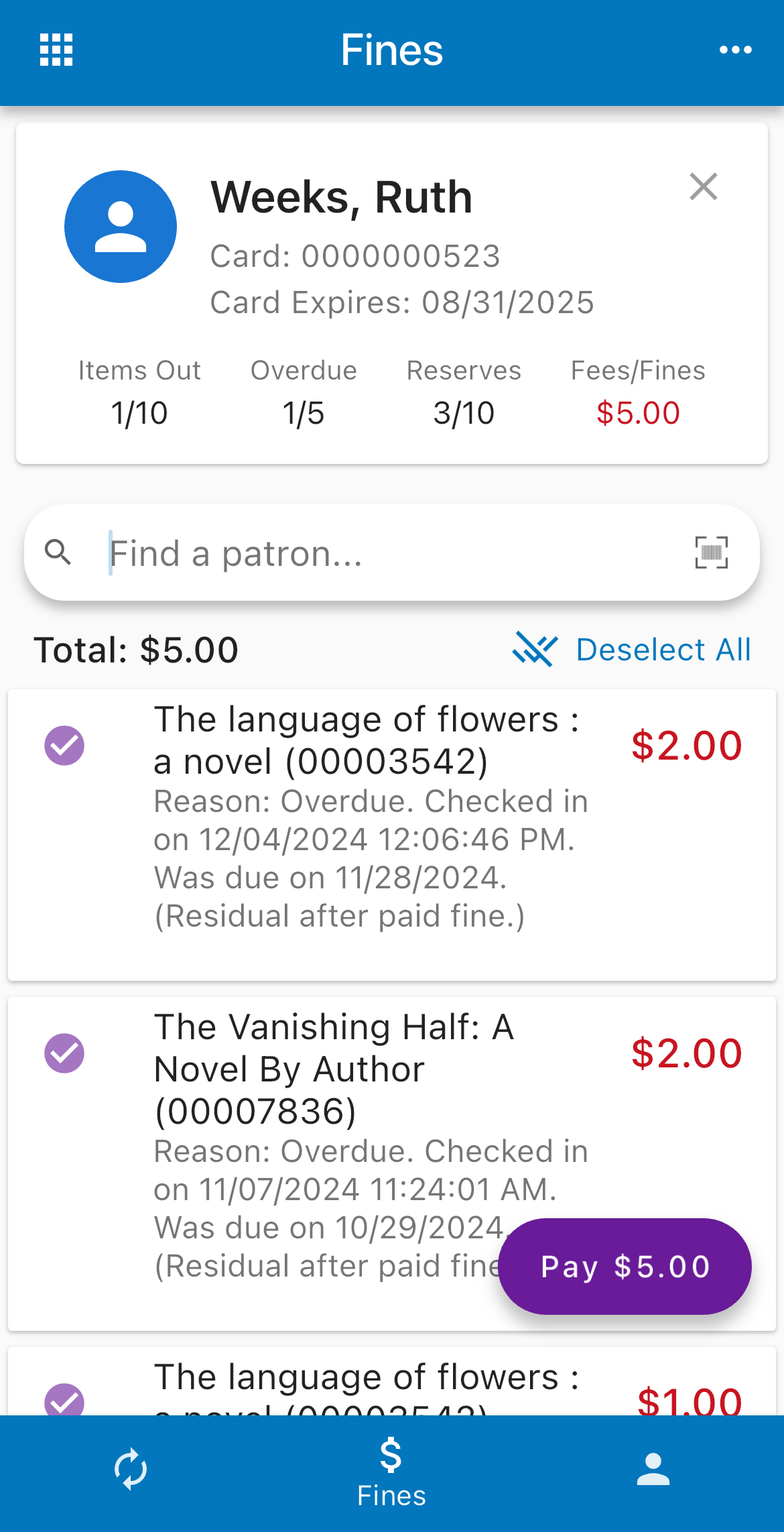
Click Pay (bottom right).
If you process credit card payments outside Stax, select Credit Card from the drop-down list. Otherwise, leave Cash selected.
If you use Square, skip to the next section.
Edit the amount if needed.
Tap Complete. The transaction is automatically synced to Atriuum and indicated by [Via Stax] in the History Action Comment column in history reports.
Pay Fines with Square
Prior to using this feature, you must set up a Square account for your library, install the Square Point of Sale app on your device, and confirm that you have Bluetooth enabled.
Open the Fines screen.
Use one of the following methods to load a patron:
Scanner - Scan the patron barcode.
Device Camera - Tap the barcode icon in the search field, and capture the patron barcode.
Search - Select Find a patron, and enter a name.
All fines/fees are selected initially. Deselect charges as needed.
Click Pay (bottom right).
Select Square from the drop-down list.
On your first transaction, do the following:
Log on to your Square account.
Connect the reader.
Edit the amount if needed.
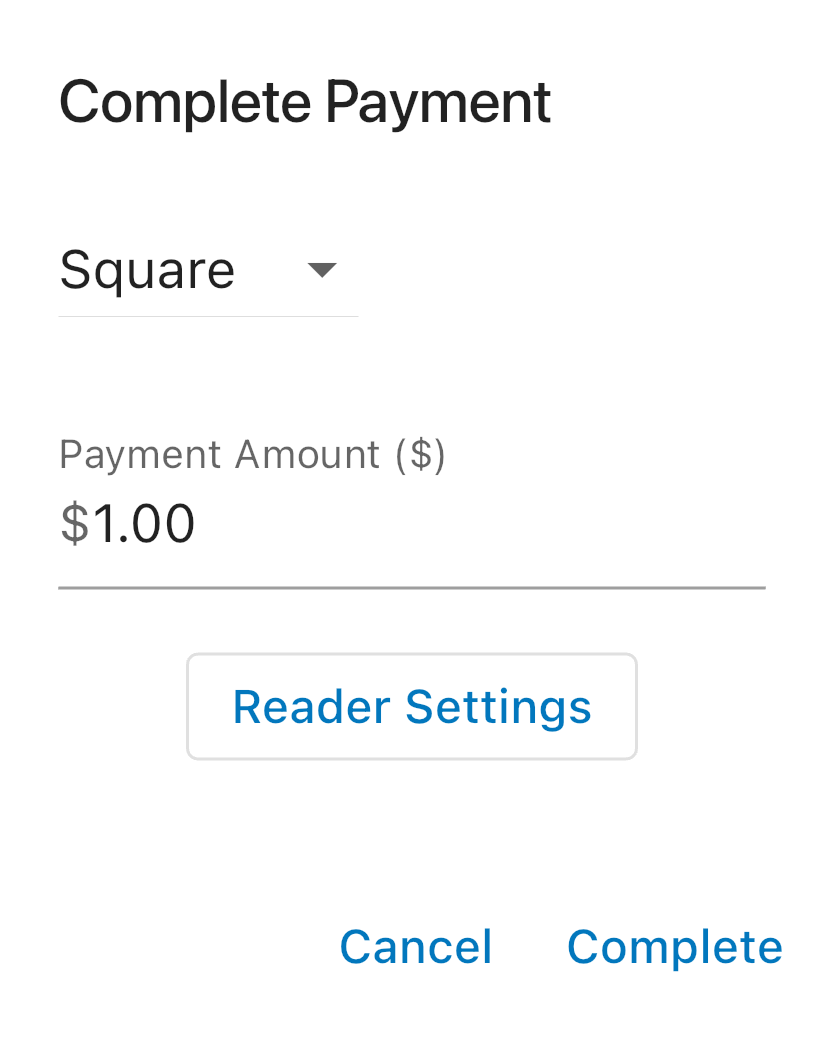
Tap Complete.
Follow the prompts to accept payment and specify if/how the patron wants a receipt. The transaction is automatically synced to Atriuum and indicated by [Via Stax] in the History Action Comment column in history reports.
Troubleshooting Tips
If you receive an error saying your reader failed to pair, you may need to open the Bluetooth settings for your device (or any other device that has been connected to the reader) and select “forget.” Then repeat the steps to pair.
If Stax does not detect your reader when trying to pair, its battery may be too low. Charge your reader before trying to pair again.
If you still encounter difficulties with your reader, please refer to Square’s documentation or contact Square’s technical support.